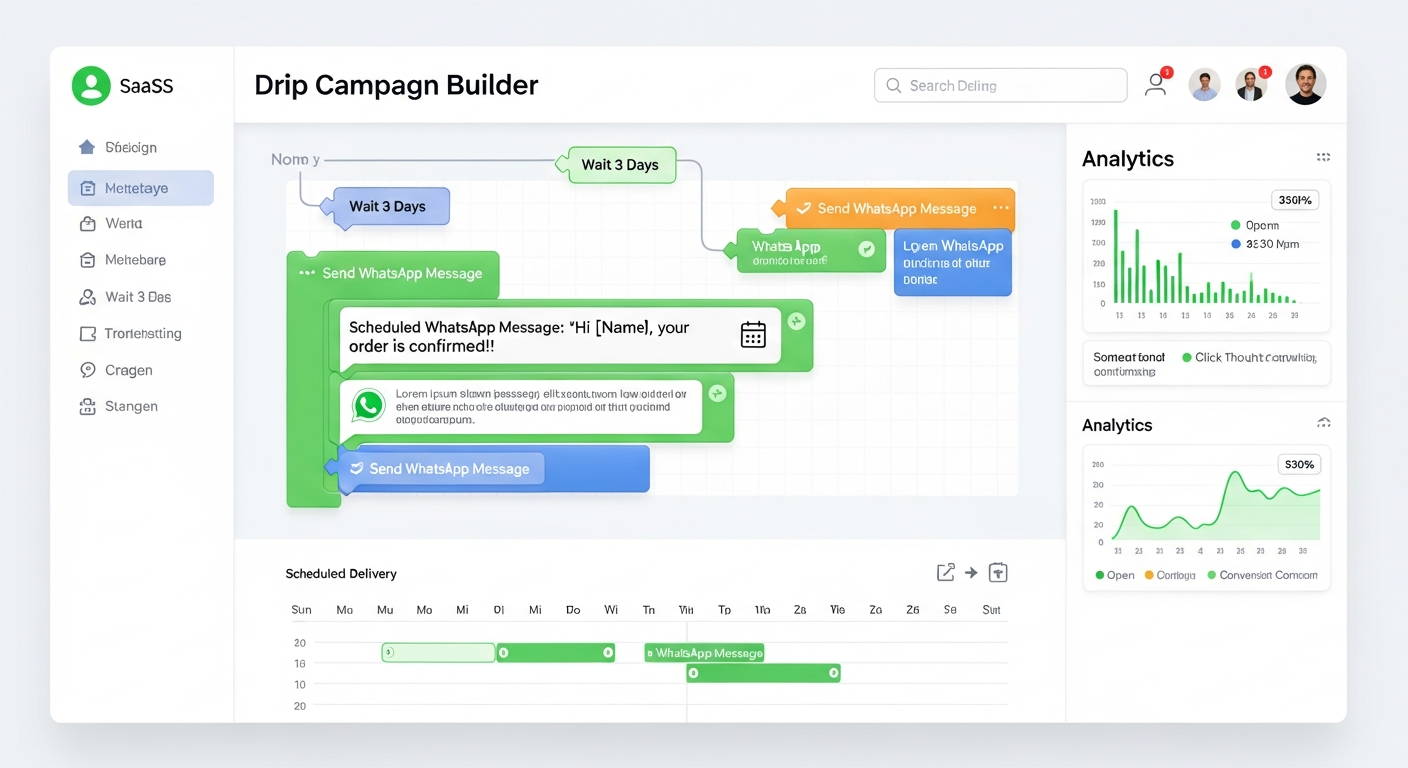
Plan WhatsApp nurture sequences that send approved templates over days or weeks. Upload a CSV or paste a Google Sheets URL, choose recipients, review the schedule, and use wallet-based billing with Pause, Resume, and Cancel controls. Provider acceptance and delivery timing can vary.
Start Your First Drip Campaign
A WhatsApp drip campaign is a multi-day messaging sequence that uses approved WhatsApp templates and a schedule to send planned follow-ups to selected contacts. It can support onboarding, lead nurturing, education, and promotions, but provider acceptance, delivery timing, consent, and policy limits still apply.
Mappstore lets you bring schedule data through a CSV or the Google Sheets integration, choose recipients, and manage campaign status from one dashboard. Use bulk messaging for one-time sends and drip campaigns when a sequence needs multiple scheduled steps.
If your business already runs email sequences, compare the workflow, audience expectations, consent requirements, and costs before adding WhatsApp drips.
Here's what a real lead nurture drip sequence looks like on Mappstore — one of the most common use cases for Indian businesses.
This is an illustrative sequence. Template approval, consent, account limits, delivery timing, and campaign results vary by business.
Everything you need to run automated WhatsApp scheduled messages at scale.
Create WhatsApp drip campaigns that span multiple days or weeks. Schedule each message for a day and time using approved WhatsApp templates, then review the sequence before launch. Useful for onboarding, education, and follow-up workflows.
Upload a CSV file or paste a public Google Sheets URL containing your campaign schedule. Define Day, Time, template name, and variable columns, then confirm access and supported refresh behavior before launching.
Add recipients from your contacts database or enter phone numbers where supported. Segment only contacts you have permission to message, and review the recipient list, account limits, and consent before launch.
The background worker checks for due drip messages periodically (currently on a 60-second cycle). That check is not an exact delivery guarantee: provider acceptance, queueing, rate limits, account quality, and recipient availability can affect when a message arrives.
Use wallet-based billing and monitor campaign activity from the dashboard. Wallet records and message status are separate from recipient payment status; a customer's payment does not automatically guarantee that later drip steps are suppressed. Where available, use an explicitly reviewed payment link and scope for payment-based suppression.
Pause a campaign to stop future work, resume it to continue eligible work, or cancel the sequence. A message already accepted for dispatch may not be recalled, so check campaign status before and after a control change.
Use Meta-approved WhatsApp templates supported by your account, including text, image, video, document, and interactive-button formats where available. Approval does not guarantee delivery or policy compliance: consent, content quality, account limits, and WhatsApp rules still apply.
Use dynamic template variables to personalize each message with values such as a customer name, order detail, course progress, or appointment date. Validate variable values before sending; engagement varies by audience and content.
Set up your automated WhatsApp messaging sequence in four simple steps.
Prepare a CSV file or Google Sheets schedule with Day number, Time, template name, and variable values. Confirm the sheet is accessible and that its columns match the selected templates.
Choose approved WhatsApp templates for each step, add recipients from your contacts database or manually where supported, and map variables to your schedule columns. Confirm consent and recipient data before launch.
Review the multi-day campaign and launch it. The background scheduler checks due work periodically, while account limits, provider acceptance, queueing, and wallet state affect processing. Monitor message status and balance after launch.
Track campaign progress and the status information returned by the provider. Use Pause, Resume, or Cancel controls to manage active campaigns, and allow for status or delivery updates to arrive after a send is accepted.
From onboarding to promotions, WhatsApp drip campaigns power automated messaging for every business need.
Welcome new customers with a multi-day onboarding drip on WhatsApp. Day 1: Welcome message with getting started guide. Day 3: Feature highlights and tips. Day 5: First milestone celebration. Day 7: Feedback request. Automated onboarding reduces churn and improves activation rates for SaaS companies, e-commerce stores, and subscription services across India.
Nurture leads with WhatsApp follow-up messages that build trust over time. Send a series of WhatsApp automated messages sharing testimonials, case studies, product benefits, and limited-time offers. Real estate agents, insurance advisors, and B2B companies use WhatsApp nurture sequences to convert cold leads into paying customers with consistent, automated touchpoints.
Deliver educational content as a WhatsApp drip campaign. Coaching institutes, online course creators, and training platforms can send daily or weekly lessons directly to students on WhatsApp. Include text lessons, video links, PDF attachments, and quiz links. Track engagement and ensure students complete the full course with automated reminders.
Plan multi-day promotional campaigns around festivals, sales events, or product launches. Build a countdown series with a teaser, early access, launch message, and final reminder. Results depend on consent, audience quality, offer, content, and WhatsApp policy limits.
Keep customers engaged after purchase with scheduled messages such as usage tips, cross-sell recommendations, and review requests. Transactional order or delivery events may require a separate integration and template setup; results vary by business.
Set up reminder sequences for upcoming appointments, subscription renewals, or policy expirations. Healthcare clinics, salons, gyms, and insurance companies can schedule reminders at intervals such as 7 days, 3 days, and 1 day before an event; outcomes depend on the workflow and audience.
Mappstore makes bulk WhatsApp automation simple, affordable, and powerful for businesses of every size.
Review your current Mappstore plan and wallet terms before launch. Campaign scheduling and management may be available with the platform, while WhatsApp message charges, provider charges, and any plan or integration requirements still apply.
Review message status, delivery reports, read receipts, and available engagement metrics as provider updates arrive. Use that information to refine future sequences rather than assuming delivery or conversion.
Drip messages use the WhatsApp Business API workflow and approved templates where required. No provider can guarantee approval, delivery, account safety, or policy compliance; you remain responsible for consent, content, quality, and applicable limits.
Plan multi-day messaging sequences, nurture leads, and engage customers with scheduled WhatsApp messages. Review your templates, consent, wallet, and account setup before launch.