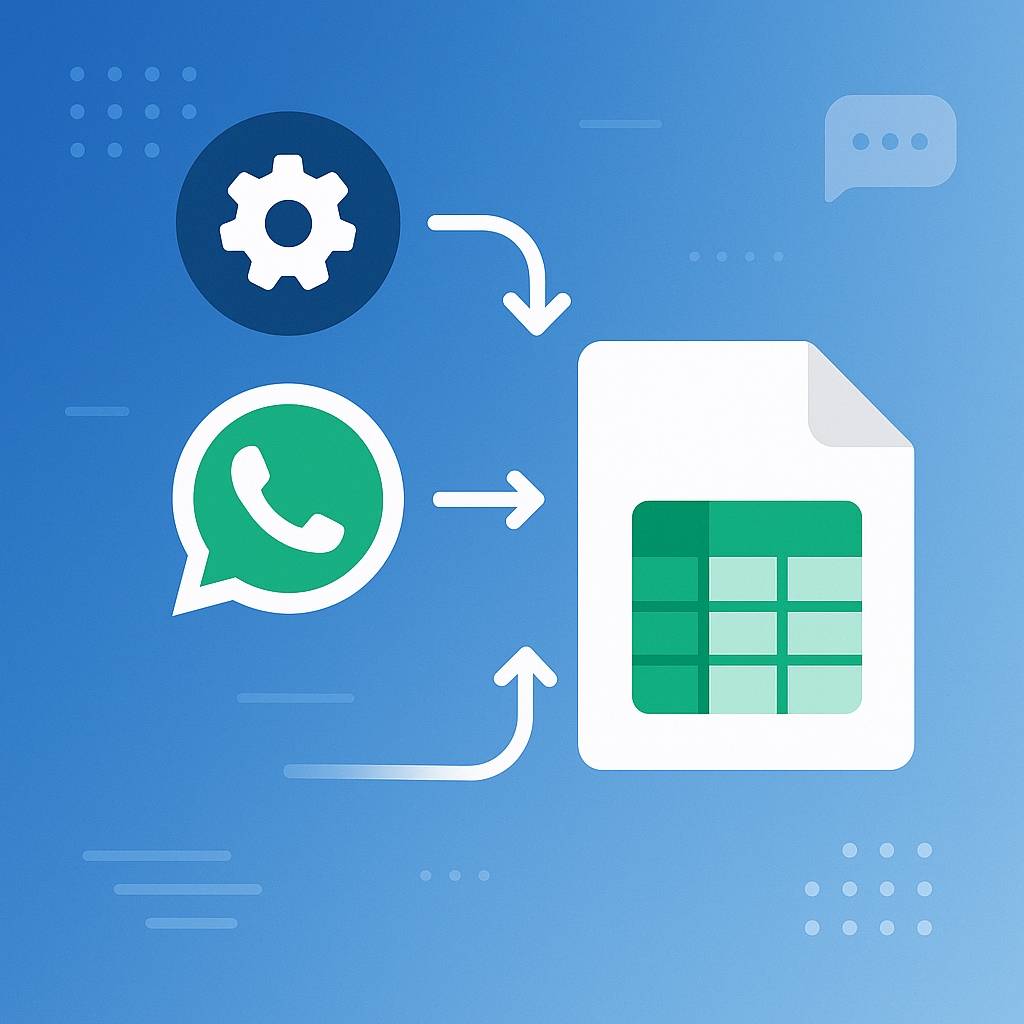
Introduction to Google Sheets Messaging Automation
Here's the thing: businesses are always looking for ways to streamline operations and boost customer engagement. Google Sheets messaging automation, especially when paired with WhatsApp, is a powerful tool that often gets overlooked.
For many Indian SMEs, manual messaging can be a hassle. It's time-consuming and often leads to errors. By using Google Sheets alongside Mappstore, businesses can automate their messaging workflows, saving time and cutting down on operational costs.
Why Use Google Sheets for Messaging Automation?
- Ease of Use: Google Sheets is user-friendly and familiar to many, making it an accessible choice for automation.
- Cost-Effective: Since Google Sheets is free, and Mappstore offers affordable plans, this combination is budget-friendly.
- Scalability: As your business grows, adapting your messaging needs is a breeze with this automation.
- Customizability: Personalize your messaging strategies using custom fields and tags in Sheets.
Practical Applications in Indian Business Context
Take a logistics company in Mumbai, for example. They need to send delivery updates to hundreds of customers every day. Manually sending these updates is simply not feasible. By using Google Sheets, they can enter customer details and automatically trigger WhatsApp messages, ensuring timely and accurate communication without manual effort.
Step-by-Step Guide to Setting Up Automation
Ready to automate your business messaging with Google Sheets? Follow these steps:
1. Prepare Your Google Sheet
Create a Google Sheet and fill it with essential data. Include columns for customer names, phone numbers, and the messages you want to send. Keep your data clean and organized for smooth automation.
2. Connect with Mappstore
Use Mappstore's WhatsApp Sheet Automations feature to link your Google Sheet. This integration lets you trigger WhatsApp messages directly from the sheet without any coding or complex setups.
3. Define Your Message Templates
With Mappstore's Message Template Builder, create templates for various scenarios. Whether it's order confirmations or payment reminders, having pre-defined templates ensures your communication is consistent and professional.
4. Automate the Workflow
Set up triggers within your Google Sheet to automate messaging. For example, when a new row is added or a specific column is updated, the system can automatically send the relevant WhatsApp message.
5. Monitor and Optimize
Use Mappstore's Campaign Analytics & Delivery Reports to keep an eye on performance. Track delivery rates and customer engagement to refine your messaging strategy and boost effectiveness.
Success Stories and Examples
Consider this: a Chennai-based e-commerce business used Google Sheets and Mappstore to automate their COD verification process. By automating this step, they cut verification time by 50%, which led to happier customers and increased sales.
Wrap-Up
Automating messaging with Google Sheets and WhatsApp can revolutionize your business operations, making them more efficient and reliable. Whether you're a small business owner in Delhi or a logistics manager in Bengaluru, this automation can streamline your workflows and enhance customer interactions. To see how Mappstore can help you with this process, visit our website today.